- User interface
- Web client
Switch Tabs for All Patents Now
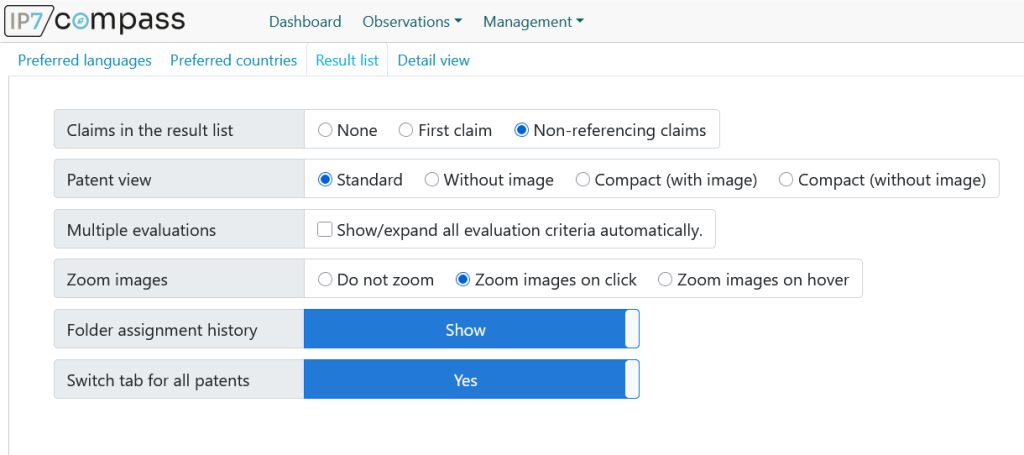
A new user setting allows you to automatically switch tabs in sync for all patents in a results list. This provides a clearer overview and saves time during patent analysis.
Release date
August 3, 2026
Version
26.7.1
Feature type
New Function
Type of User
Advanced User, Light User
Unified View for all Patents
Using a new user setting, you can specify that when you switch tabs—for example, from "Abstract" to "Claims"—the same view will automatically be applied to all patents in the current results list.
Convenient Comparison of Multiple Patents
This eliminates the need to open tabs individually for each patent. In particular, this makes it easier to compare larger lists of search results and ensures a smoother analysis process.
Optimized Performance
To ensure that the results list continues to respond quickly, content that requires additional service calls is not loaded until the relevant patent becomes visible as the user scrolls.