- User interface
- AI & Automation
- Windows client
AI in the Detail View
The AI features in the detail view have been extensively redesigned. A new text control, an optimized display, and faster navigation options make patent analysis more convenient.
Release date
July 30, 2026
Version
26.7.3
Feature type
Improvement
Type of User
Advanced User, Light User
Updated Presentation of AI Features
The new text control is now being used for all AI features in the detail view. This makes content such as tables, lists, and formatting much easier to read and understand.
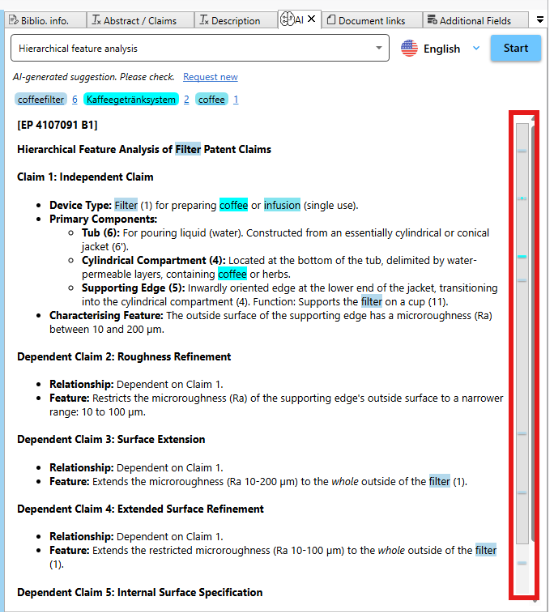
Faster Navigation
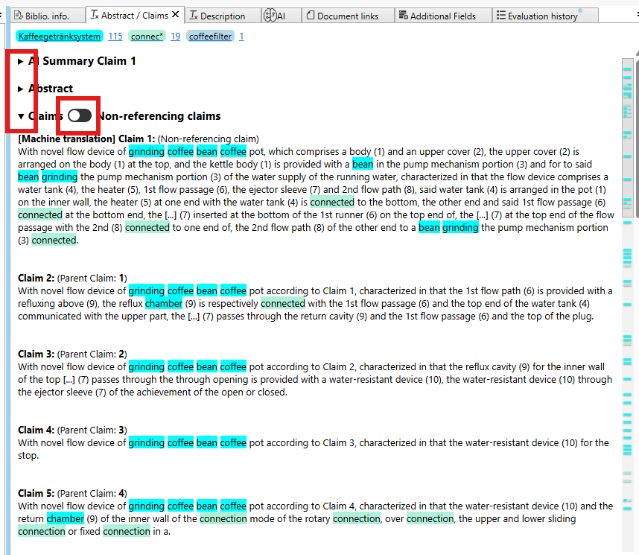
The summary of Claim 1, the claims in general, and the abstract can now be expanded and collapsed directly in the detail view. It is no longer necessary to switch to the Ribbon menu to do so.
Greater Convenience in patent Analysis
Even unreferenced claims can now be easily shown or hidden using a radio button. This makes it easier to focus on the relevant content and makes patent analysis faster and more efficient.
So far:
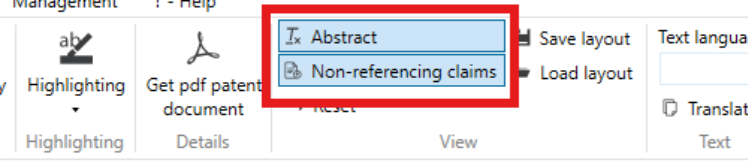
Now: